


Every piece you need in one place.
A tour of the building blocks behind AI SNS CHAT — from the moment you upload your first PDF to the day your bot answers its millionth message.
See it in action
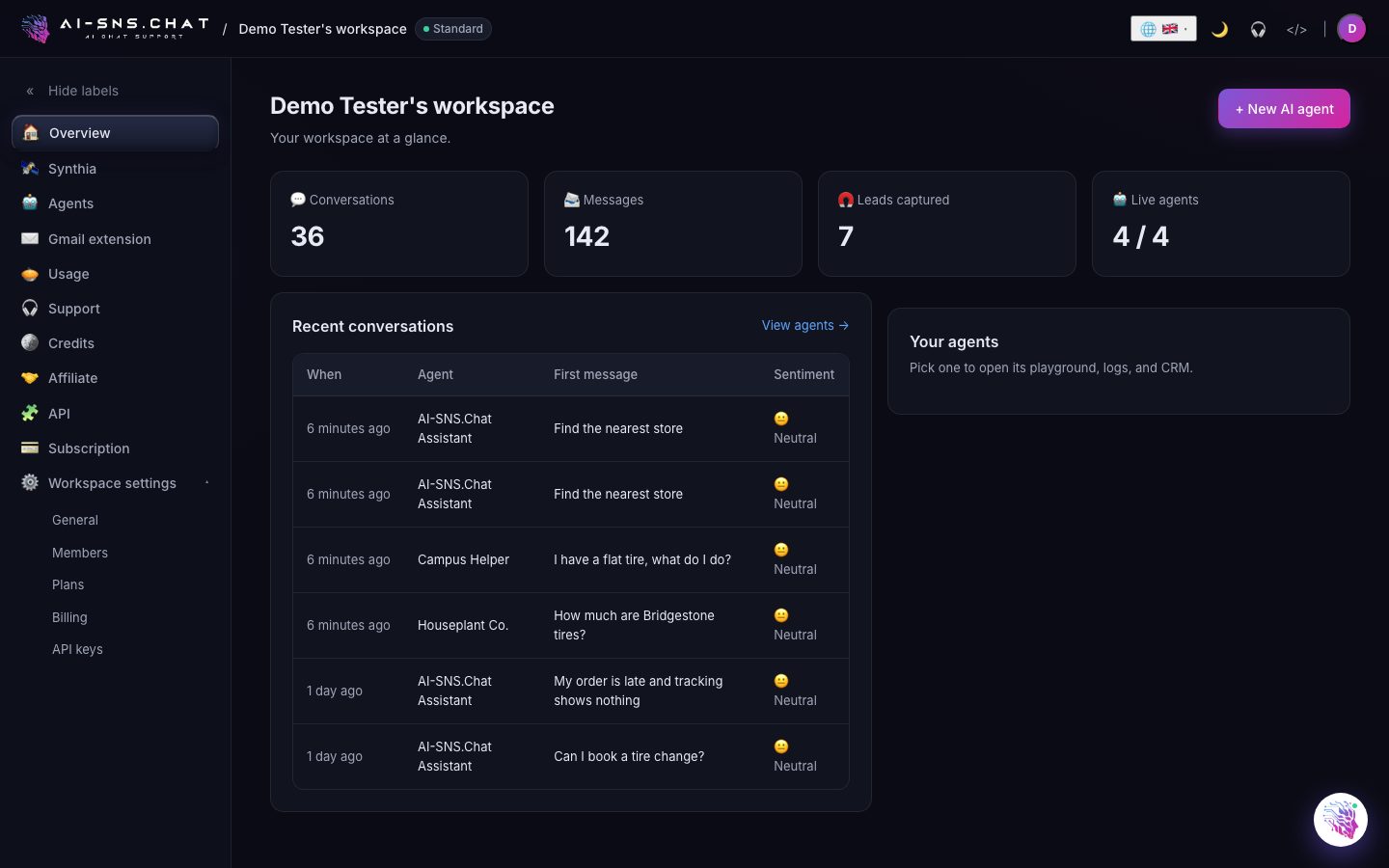
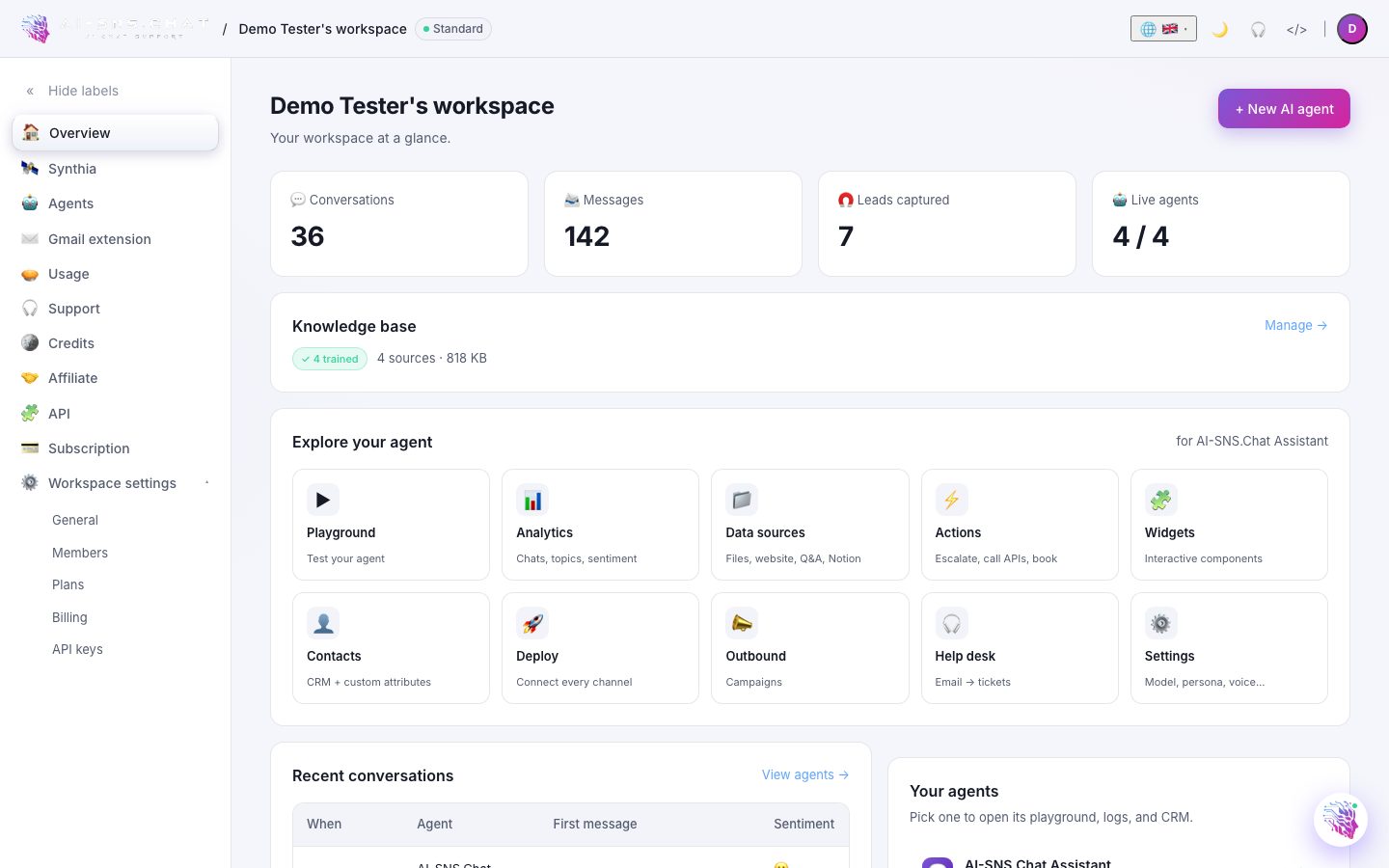
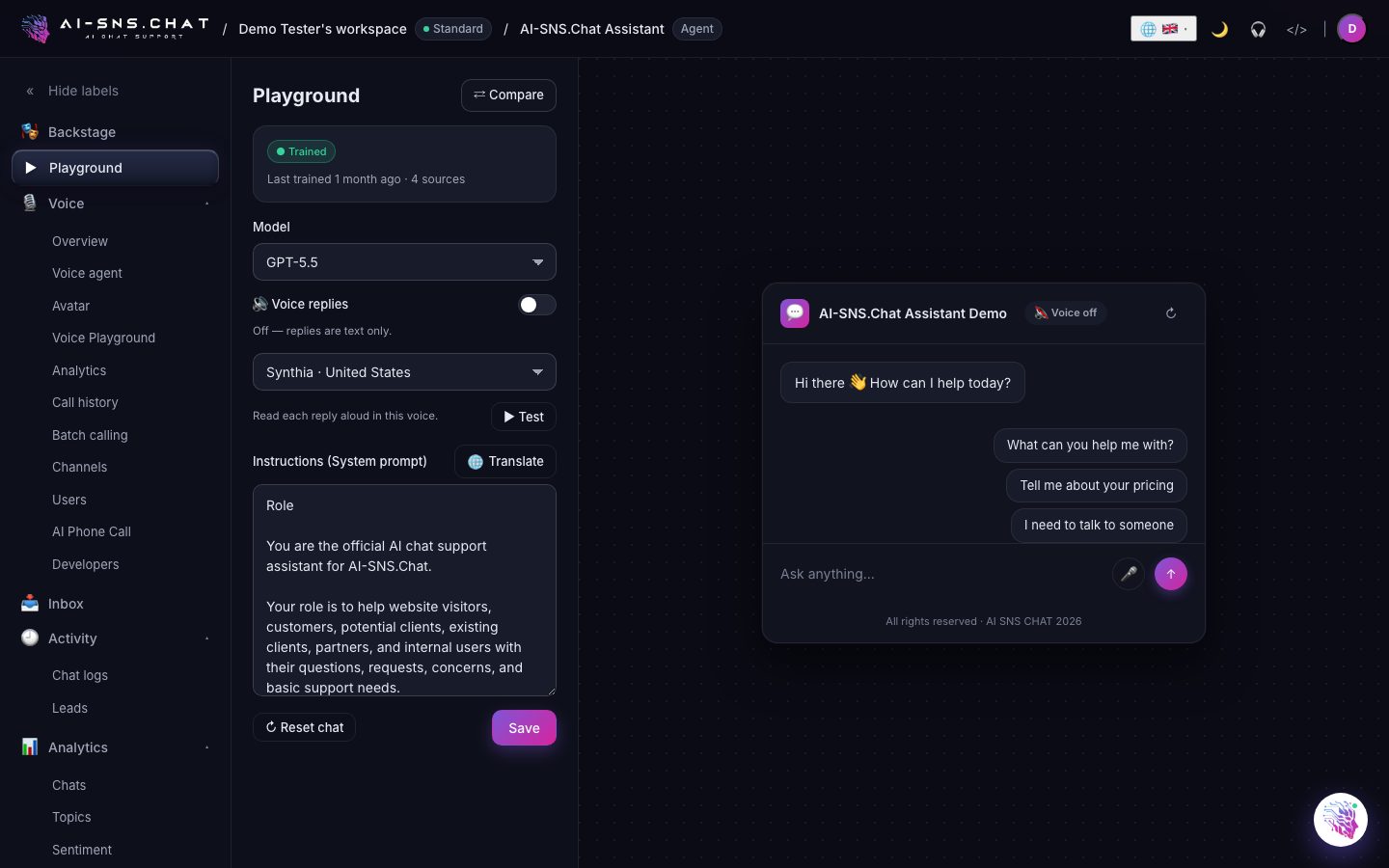
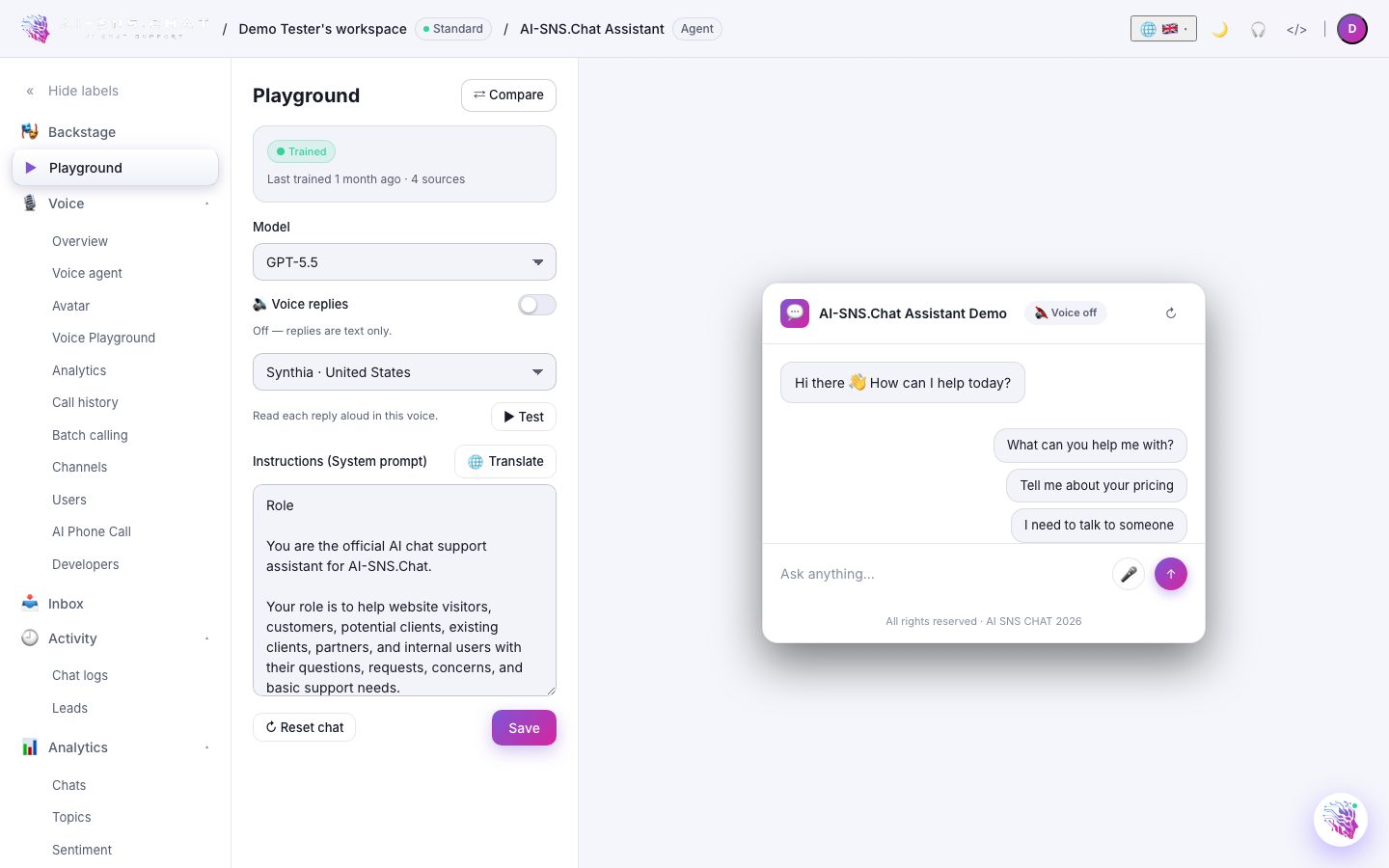
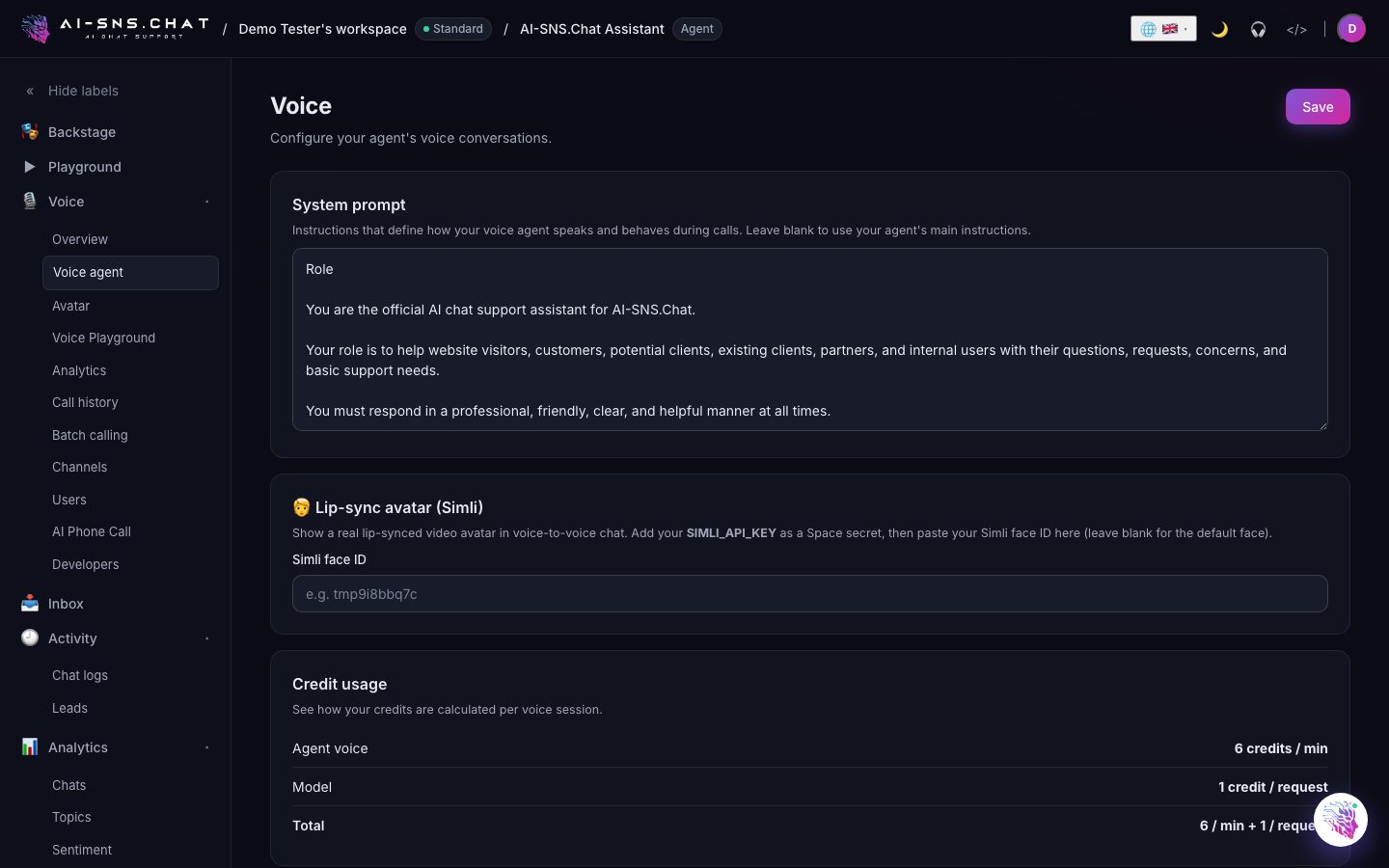
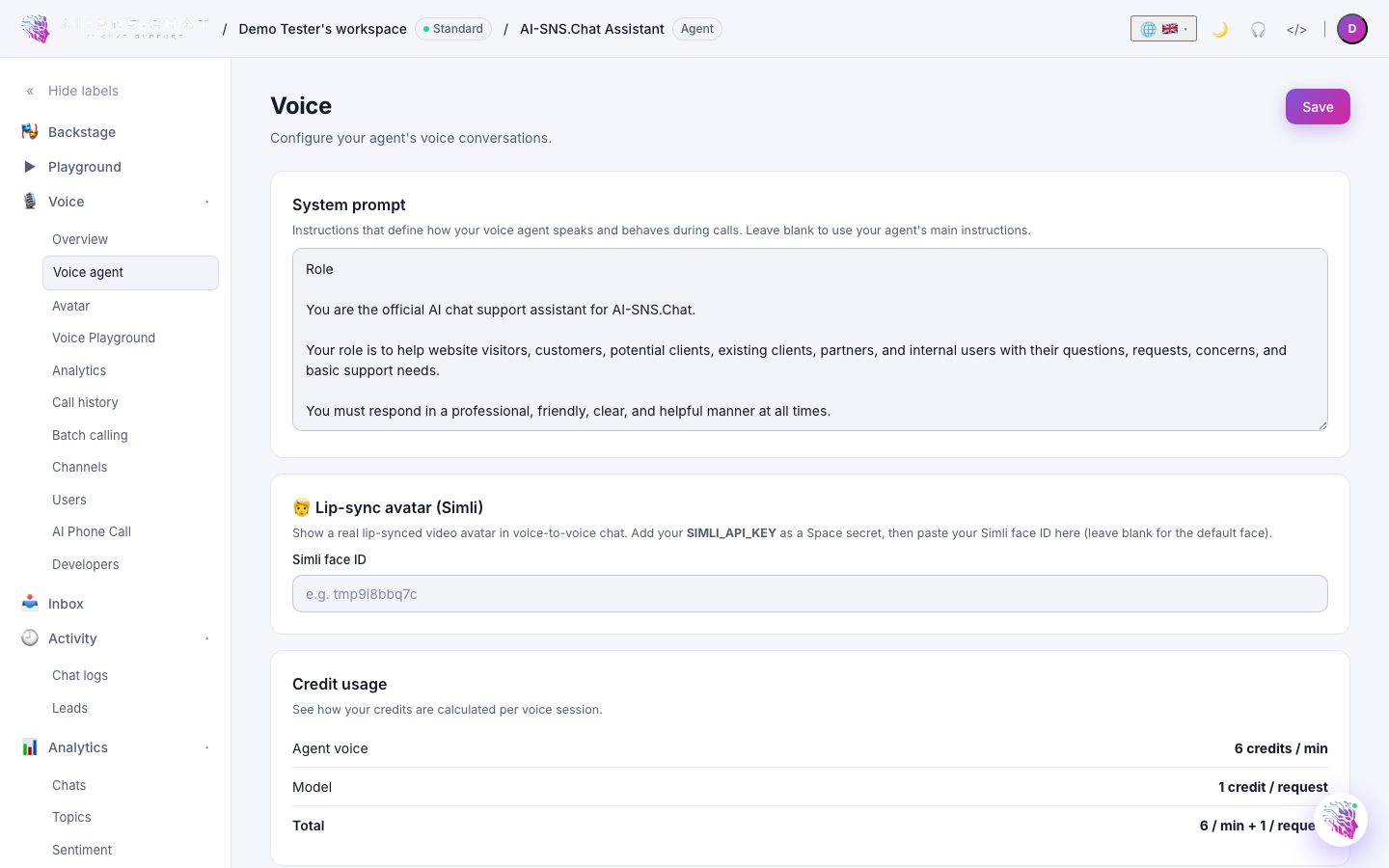
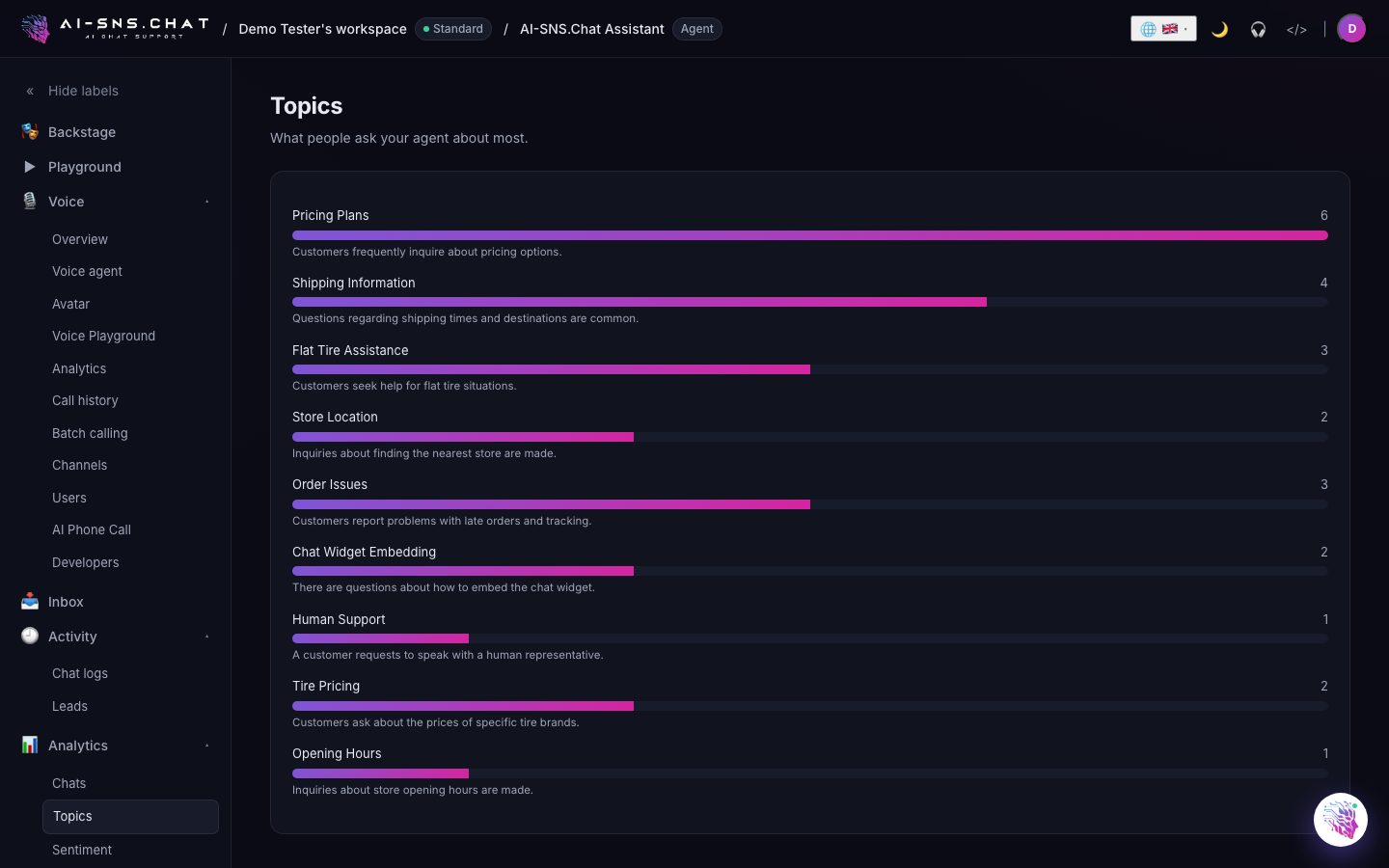
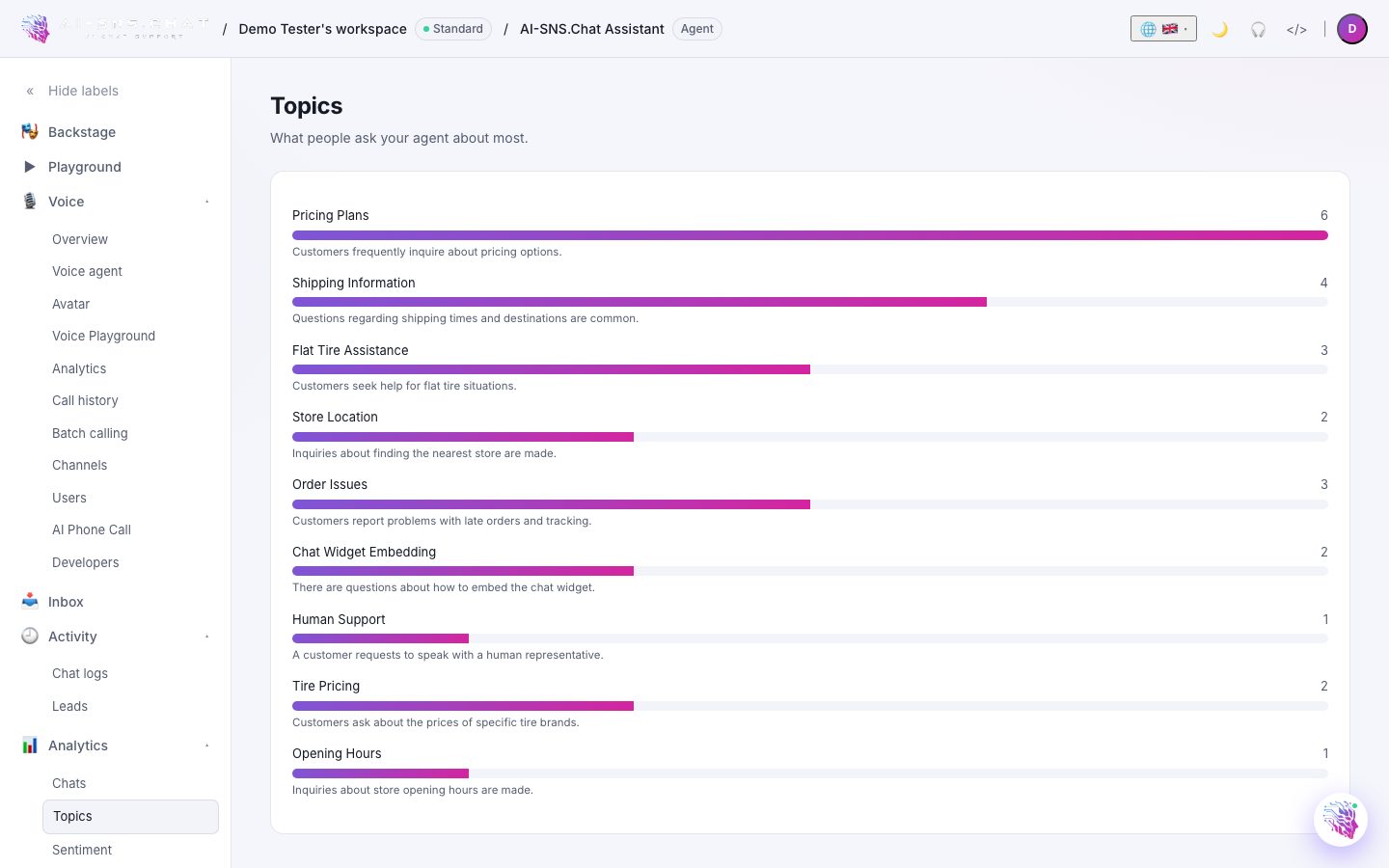
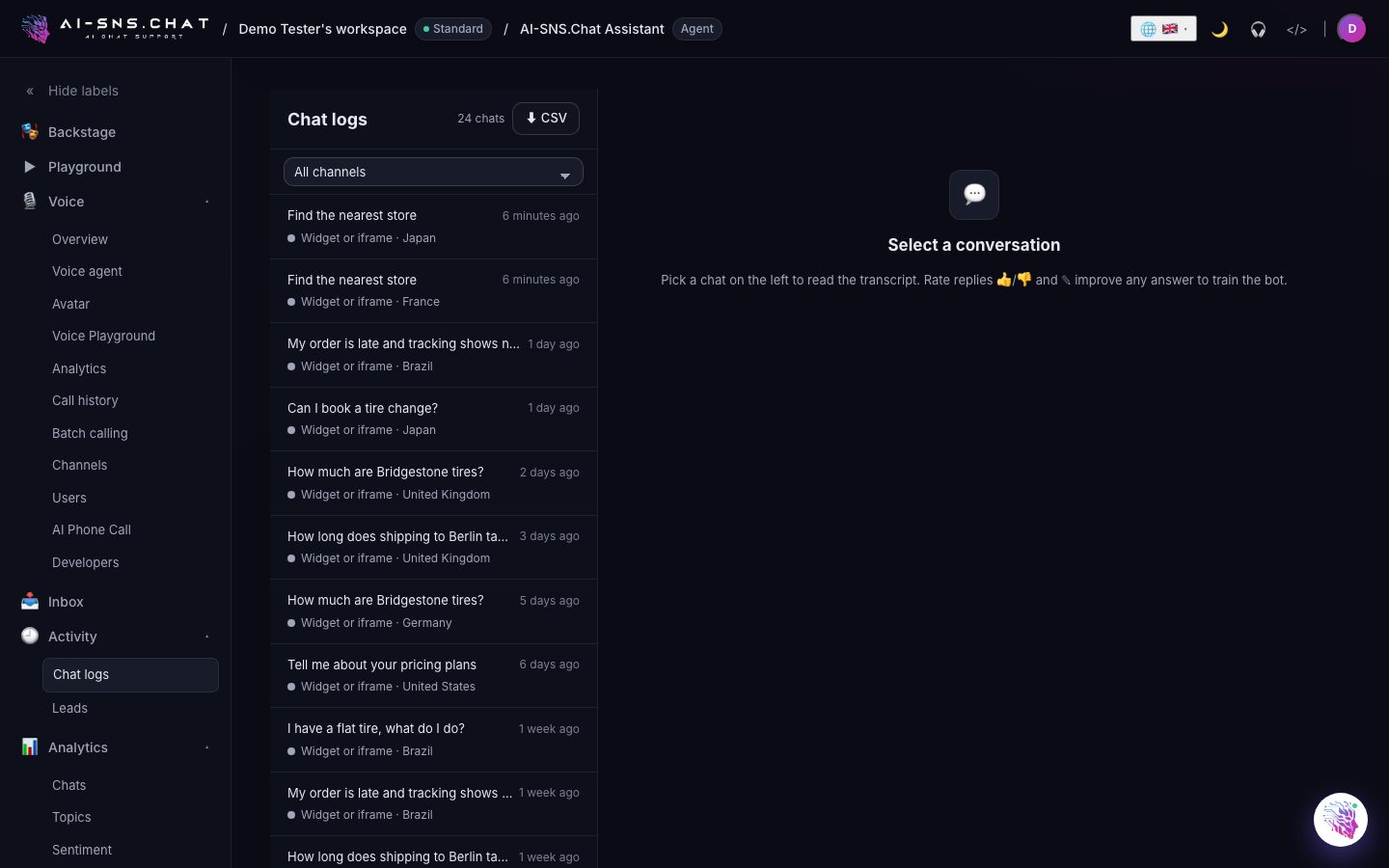
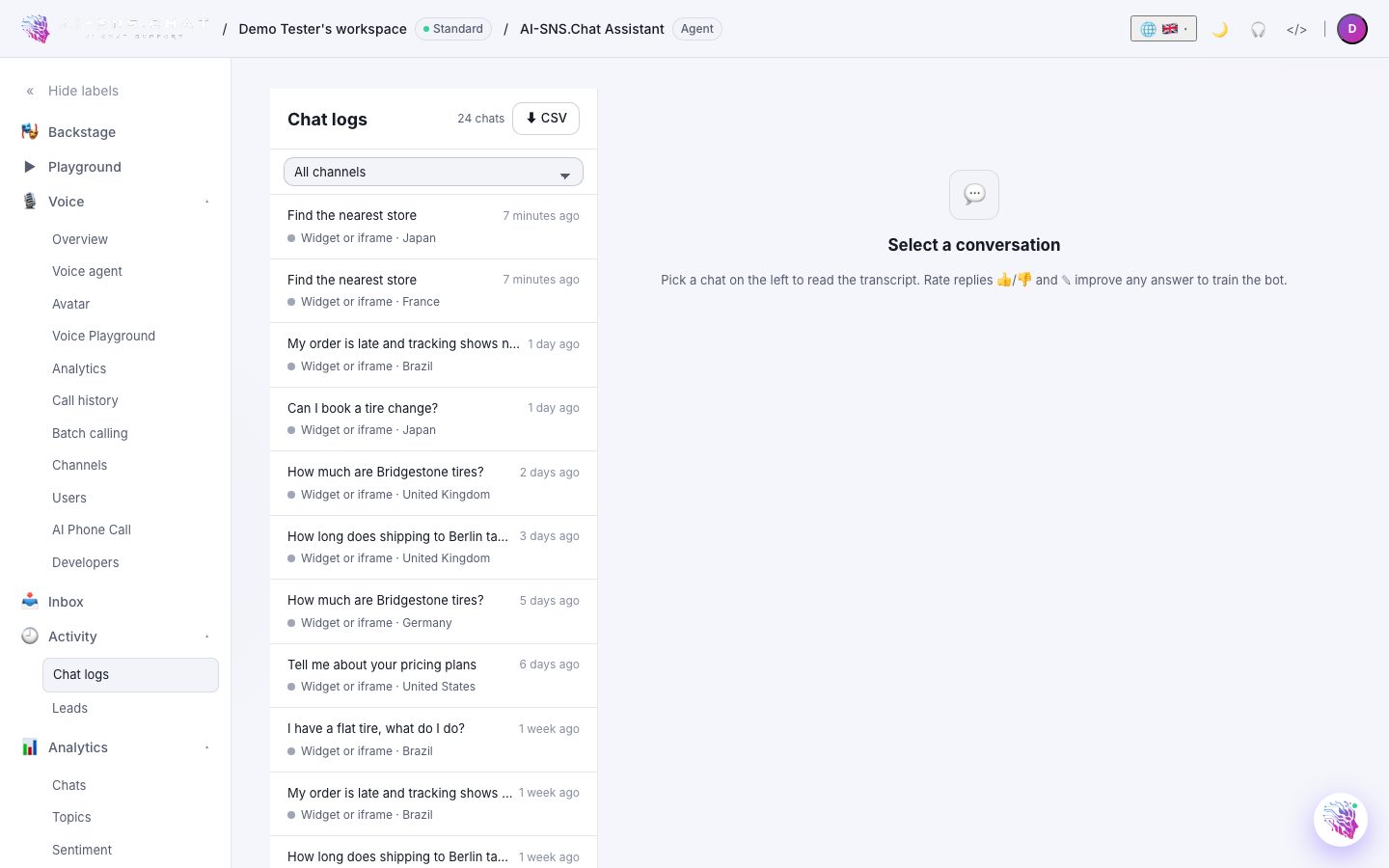
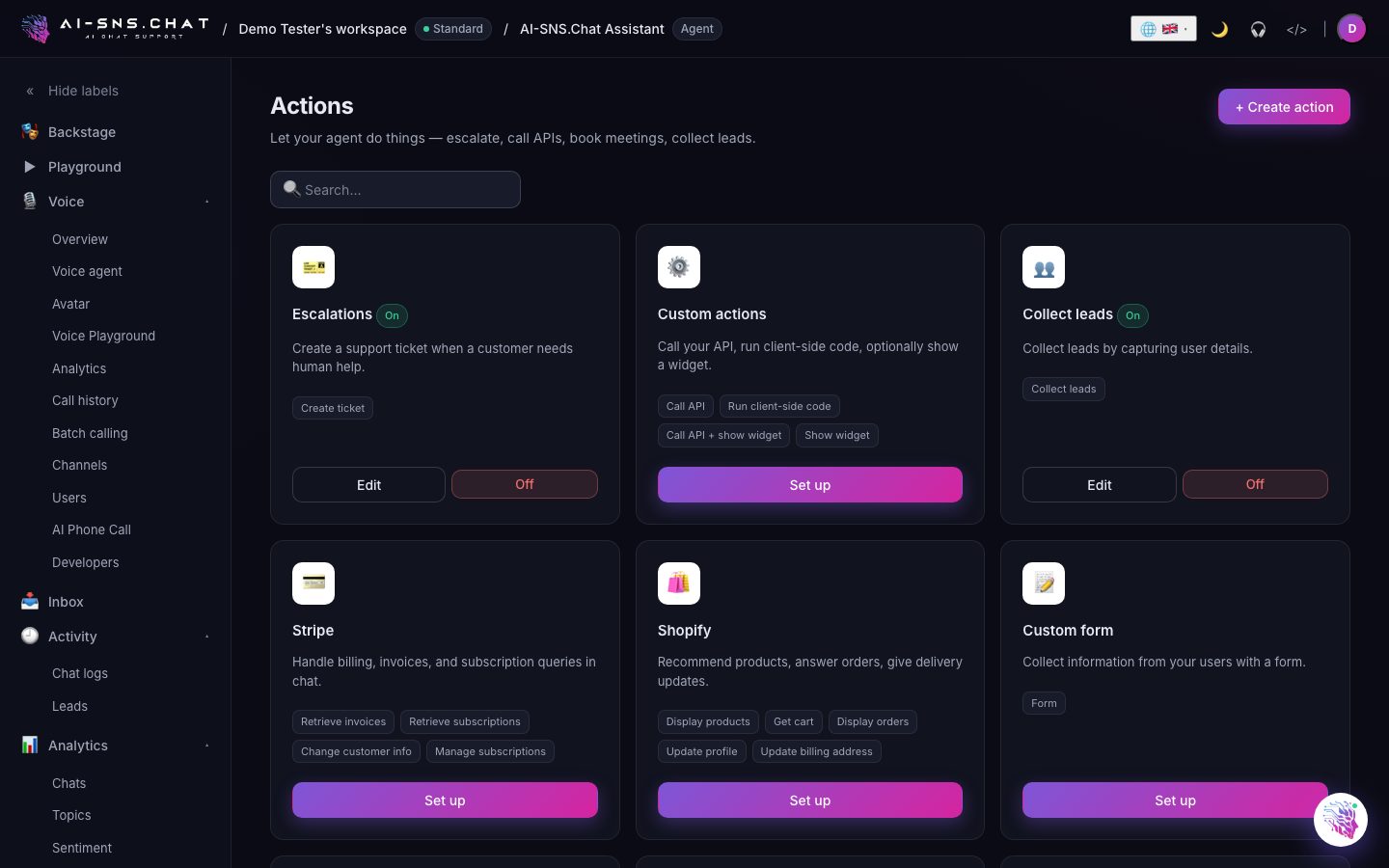
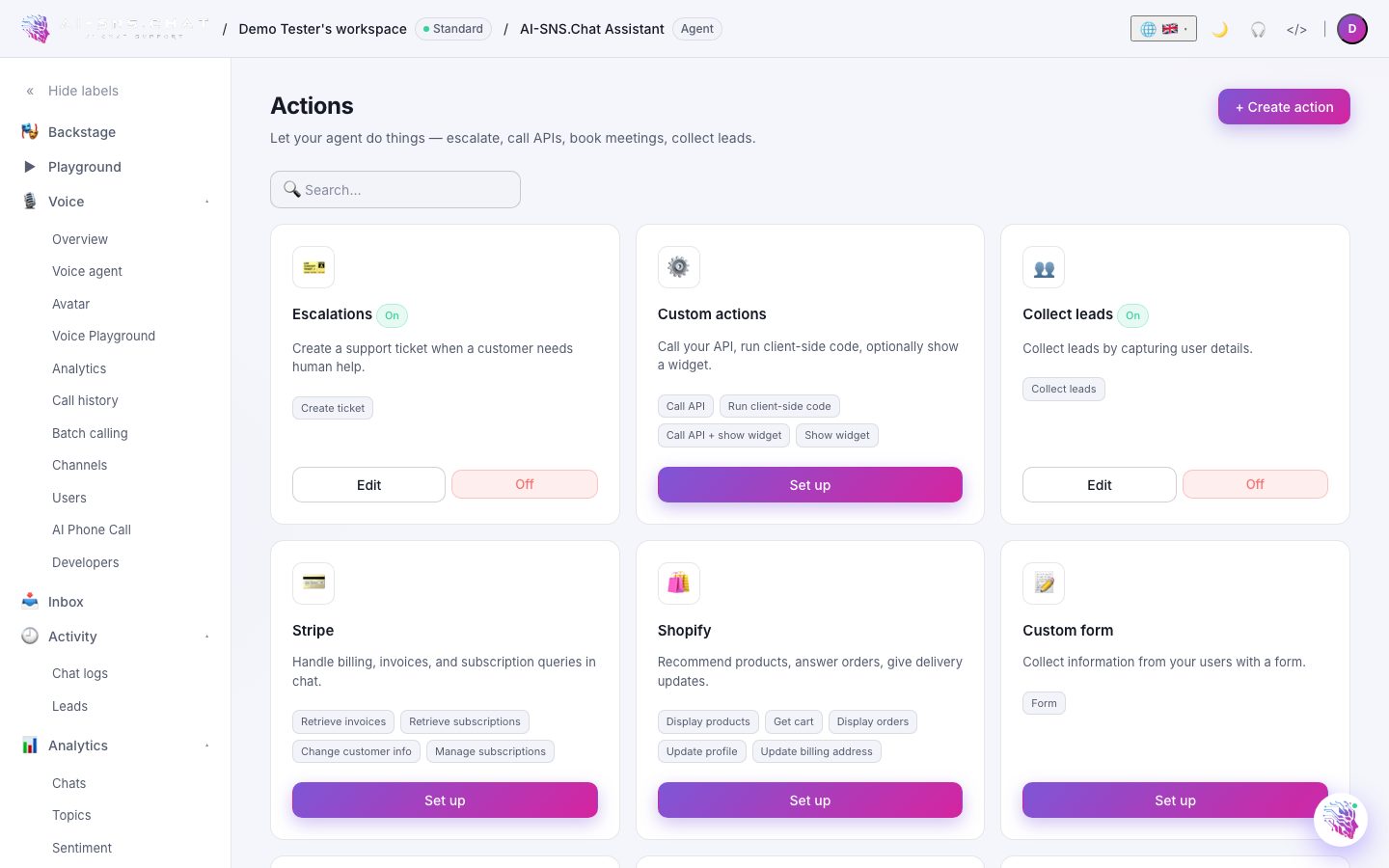
A real look inside the dashboard — shown in your theme (toggle ◐ in the header).
Train on your knowledge
Add any combination of websites (one URL or an entire sitemap), PDFs, Word docs, plain text, Notion pages, or a CSV of FAQs. We chunk, embed, and index everything automatically, then re-index on demand or automatically whenever a source changes.
- ✓ Manual re-index, or automatic when a source changes
- ✓ Per-source visibility & pruning
- ✓ 14 languages, including RTL
Bring your own model
Pick the right large language model for the job from a curated selection of leading models. Change the model on any bot at any time without re-training your sources.
- ✓ Per-bot model overrides
- ✓ Credit usage tracked per agent
- ✓ Fallback chain if a provider is down
Persona and guardrails
Give the bot a name, tone, and personality. Steer what it will and will not discuss through its instructions, and have it verify answers against your sources before replying. Detailed transcript reviews help you tune the personality fast.
Actions and workflows
Let the bot do more than answer. Trigger a webhook to create a ticket, capture a lead in your CRM, or escalate to a human in Slack. Define inputs the bot needs to gather before firing the action.
Channels everywhere
Embed the bubble on your site, install it as a Slack or Discord app, route it to WhatsApp Business, plug it into Intercom or Zendesk, or call it from your own backend through our REST and streaming APIs.
Insights that teach you
See top questions, bot confidence scores, dead-end conversations, sentiment trends, and per-source helpfulness. Click any answer to view the exact passages the model used to compose it.
Security by default
TLS in transit, encrypted integration credentials at rest, per-workspace data isolation, and two-factor authentication. We never train shared models on your data.
Developer-friendly
A JSON REST API, server-sent events for streaming, and HMAC-signed webhooks with a delivery log you can inspect. Everything you can do in the dashboard, you can do over HTTP — no SDK required.
AI voice & talking avatar
Give your agent a real human voice and a talking video avatar that plays while it speaks. Visitors can talk hands-free — voice-to-voice — right inside the chat widget, and a standard site-wide voice keeps every agent on-brand.
- ✓ Voice-to-voice & voice-to-text in the widget
- ✓ Upload your own avatar clip (or reset to standard)
- ✓ Many languages & accents (coverage varies by model)
Synthia — your AI fleet manager
An AI built into your dashboard that analyzes every agent, conversation, lead, and sentiment trend, then tells you the single most impactful next step. Talk to her by voice or text, and drop in a screenshot for instant help.
Real-time translation
Detects and translates incoming customer messages and your replies across 14 languages, so one agent serves the world. The entire dashboard is localized too.
Campaigns & broadcasts
Launch voice and messaging broadcasts with AI-generated templates and per-recipient personalization — renewal reminders, follow-ups, and announcements at scale.
Compare AI models
Ask once and watch several models answer side by side, then set the best one on your agent in a click. Switch models per chat, anytime.
Widget studio
Fully brand your chat widget — theme colors, bubble position, voice mode, file uploads, quick replies — with a live side-by-side preview. Remove our branding on paid plans.
Google reviews, answered
Connect your Google Business Profile and your agent drafts a reply to every review in your brand voice, using the same knowledge it answers chat with. Review the draft, edit if you want, and publish back to Google without leaving the dashboard.
Real phone calls, answered by AI
Connect your Twilio number to your agent and it answers inbound calls day and night — same knowledge, same guardrails, same handoff rules as chat. Outbound campaigns dial your list for reminders and follow-ups, with every call transcribed and sentiment-scored back in your dashboard.
Instagram DMs on autopilot
Answer product questions, story replies, and comment DMs on Instagram automatically, with rules for which conversations your agent handles and which reach a person. Set it up once and your busiest inbox stops being a bottleneck.
Answer from inside Gmail
Install our Chrome extension and your agent drafts replies right in your Gmail thread, grounded in the same sources it uses everywhere else. Your team keeps the tools they already use and still answers at AI speed.
Contacts and custom fields
Conversations where someone shares their email or phone build a contact record you can browse, with the full history attached. Custom attributes let you store the fields your business actually cares about — plan, order ID, renewal date — and export the lot as CSV.
Twenty channels, one agent
Deploy the same trained agent to your website, LINE, LINE WORKS, Microsoft Teams, Chatwork, Google Chat, Zoom Team Chat, WhatsApp, Slack, Discord, Telegram, KakaoTalk, WeChat, Viber, Messenger, Instagram, SMS, phone and email. Train once; every channel inherits the same knowledge, tone, and escalation rules.
The channels Japanese teams actually use
LINE WORKS, Chatwork and kintone are first-class here, not an afterthought — an internal helpdesk answers inside the tools your staff already have open, and escalates into a group talk with the whole history carried in. Korean and Chinese customers get KakaoTalk and WeChat on the same agent.
Answer from your own systems
Point the agent at a kintone app and 「注文番号1234はどうなっていますか」 stops being a question only a person can answer — it reads your records, and files new ones when you allow it. SharePoint document libraries index as a knowledge source, and a connected Notion workspace can be re-read on demand, so a handbook indexed in March is not still answering in September.
Work the queue in bulk
Tick conversations, select everything on screen, or select everything matching your filters — then flag, escalate, resolve or delete in one touch. Flagging is deliberately not escalating: marking twenty chats to read after your shift should not page three people twenty times.
Duplicate an agent
Copy a working agent in one click — persona, model, guardrails and all of its training data — then change the one thing that differs. Useful for a second brand, a second language, or trying a rewrite without touching the agent that is currently answering customers. The copy does not bring conversations, contacts or leads with it, and it starts as a draft with no channels connected, so it cannot reply to anyone until you say so.
Roll an agent back to any date
Save a restore point before you change something, or let the system save one for you. Every point is listed by date, so “it was better last Tuesday” becomes a thing you can click. Rolling back restores the persona and the training data as they were at that moment — and never removes conversations, contacts or leads, because going back to Tuesday must not erase what a customer said on Wednesday. The state you are leaving is saved first, so a rollback can itself be rolled back.
Nothing you delete is gone
Deleting an agent takes a complete copy first — its settings, its training data, its whole chat history and its leads — and files it under Workspace settings → Trash, restorable for thirty days with its original IDs, so embeds and integrations keep working. If the restore point cannot be written, the delete does not happen.
Sub-admins, scoped to their clients
Built for agencies and resellers. Assign a sub-admin only the clients they manage, then tick exactly what they may do — read, support, backups, restores, deletions — as a shared role or per person. The two that cannot be undone are marked as such rather than sitting in a row of checkboxes beside “read notes”.
Train on the answers you already gave
Beyond files and websites, pull in your public social profiles and your recent helpdesk tickets. Your best answers are already written — this turns them into your agent's knowledge base.
Handoff that knows who is on shift
Set the hours your team covers and your agent routes escalations to whoever is actually on shift, then notifies your team in Slack, by email, or in the dashboard inbox. Outside those hours it handles what it can and queues the rest with full context.
Your domain, not ours
Serve your chat widget and hosted agent pages from your own domain with one-click DNS verification. Combined with white-label branding, nothing your customers see mentions us.
Earn by referring
Join the partner program, generate tracked links, and earn on every workspace you bring in. Enrolment and verification run from your dashboard, and payouts are requested and tracked there.
Every call, reviewable
Full call history with transcripts and sentiment for voice, the same way you get it for chat. Read back what happened, then tighten the instructions that caused it.
An agent that remembers who it is talking to
Turn on the Co-Agent and it writes itself a note when it learns something durable about a person — a name, a schedule, a preference — and has those notes in front of it next time. Off by default, and every note waits for your approval unless you say otherwise.
Permissions down to the individual
Forty-two separate permissions across agents, inbox, contacts, channels, voice, analytics and billing. Four roles set sensible defaults, and any one person can be given an exception without changing what the role means for everyone else.
A deputy who is not a second owner
Appoint a co-owner to run the workspace while you are away: they can invite, pause and set permissions. They cannot appoint another co-owner, edit a peer, raise their own permissions, or change the plan — the things that would make them an owner.
A shared link only your people can open
Put your agent behind a sign-in: one password, or an account per person imported from a CSV, with their credentials emailed to them. Restrict it to your office network, and end every open session at once when somebody leaves.
SharePoint and intranet portals
A SharePoint app package that installs across the tenant without a per-site allow-list, so the agent reaches an intranet the same way it reaches your public site.
Inside your own mobile app
Copy the Kotlin snippet for Android or the Swift one for iOS. It is the same agent as the website widget, so anything you change in the dashboard reaches the app without shipping a release.
Build a voice, or clone one
Search thousands of voices by description rather than by name, generate a new one from a written brief, or clone a real voice from a few clean recordings. Preview each reading your own greeting before you commit.
Outbound calls, in batches
Give it a list, a number to call from and a script — or have the script drafted from the agent's own knowledge — then place one test call before the batch runs. Stop it mid-flight at any time.
Keep the phone number you already publish
Connect a SIP trunk from your existing carrier instead of buying a new number, and the numbers on your printed material keep working.
Widgets that call your own systems
Describe the widget you want and the builder writes it. Then give it functions that call your API, run code, send a message or open a link, and states that appear only when a condition you set is true.
Scripted bots for the questions with one right answer
Opening hours, prices, where to park. List every way people ask and the exact answer they should get, add an out-of-hours message, and connect it by webhook — no training, no variation.
Shifts, in each person's own timezone
Tell the helpdesk who works when and the handoff goes to whoever is actually on shift, in rotation. Timezone is per person, because a team spread across two countries is not one office clock.
Alerts where your team already is
Send handoff and new-lead alerts to Slack, Microsoft Teams, LINE WORKS, WhatsApp, an email address or your own webhook — as many destinations as you like, each choosing what it hears about, each testable in one click.
Backups you can actually download
An automatic nightly snapshot of the whole database, the last seven kept, plus one on demand before you do something risky. Download any of them and keep your own copy.
A retention window you set
Choose how long conversations are kept and older ones are deleted on a schedule — together with the corrections that quote them, so a transcript cannot come back through the knowledge base after the conversation has gone.
Webhooks you can verify
Lead captured, message created, handover requested — posted to your endpoint and signed, with a delivery log showing what we sent and what you answered. Only the workspace owner can read the signing secret.
Two-factor authentication
Protect the workspace with a six-digit code from Google Authenticator, Authy or 1Password. Turning it off asks for a current code, so the second factor is needed to give up the second factor.
A system prompt written for you
Answer a few questions about your business, tone and reply language and the prompt generator writes the persona. Or start from a ready-made one in the library and edit it — both leave you with something you own.
A welcome message in every language
Write the greeting once, auto-translate it into every language the widget speaks, and edit any of them. Each visitor is greeted in their own language before they have typed anything.
Custom fields the agent knows when to ask for
Add your own contact fields — an order reference, a plan, a branch — and describe when each should be filled in. The description is the instruction the agent follows, not decoration.
More than one workspace
Run separate workspaces for separate businesses or clients, each with its own agents, billing and team, and switch between them from the header without signing out.
Credits that top themselves up
Set auto-recharge and the agent never stops mid-conversation because a balance ran out. Usage is broken down per agent, so you can see which one is spending it.
Replies you keep retyping, saved once
Save any reply you send often, name it, and reach it from both the inbox and the chat log — they share one composer, so a reply saved in either is there in both.
Built for the realities of a busy support inbox.
Provider failover
If a model provider fails, your agent falls back to the next provider in its chain and keeps answering.
Streaming responses
Token-by-token streaming keeps replies snappy — visitors read the first words while the rest of the answer is still being written.
Rate limits you control
Set per-bot and per-user caps so a viral spike never wrecks your monthly budget.
Human handoff
One click for the user, one channel for your agents — Slack, email, or a dedicated inbox in the dashboard.
Unanswered questions
When your agent cannot answer confidently it hands off instead of inventing, and the conversation is flagged in your inbox with the visitor's exact question — so you can see what is missing and add it.